Best note-taking apps and notepad options in 2026 prioritize auto-saving and speed, so you can open and type instantly.
Modern note-taking apps like Evernote or OneNote can do almost anything. A user can attach images and videos, snap a whiteboard, and even dictate speech into text. But sometimes, all a person needs is a simple notepad. In 2026, with AI assistants lurking behind every toolbar, that truth has not changed one bit. Two things separate a great notepad from a digital junk drawer.
First, auto-saving. Windows users know the default Notepad pain all too well: write a quick note, forget to save, computer crashes, and poof—gone like a free sample at a food court. Any note-taking app worth its salt must automatically save whatever gets typed.
Second, speed. A notepad should be fast, easy to access on whichever operating system is in play, and ready to start writing the moment it opens. No splash screens. No onboarding quizzes. No sign-up-for-our-newsletter nonsense.
With those parameters in mind, here are the best note-taking apps for various platforms—still relevant in 2026, even if some have added a few bells and whistles.
The Two Commandments of a Great Notepad
| Commandment | What It Means | Why It Matters |
|---|---|---|
| Thou shalt auto-save | No Ctrl + S, no manual saving, no anxiety | Crashes and forgotten saves are the enemy |
| Thou shalt be fast | Open and type immediately | Inspiration does not wait for a loading spinner |
Notes: The Mac Favorite That Windows Users Can Finally Love
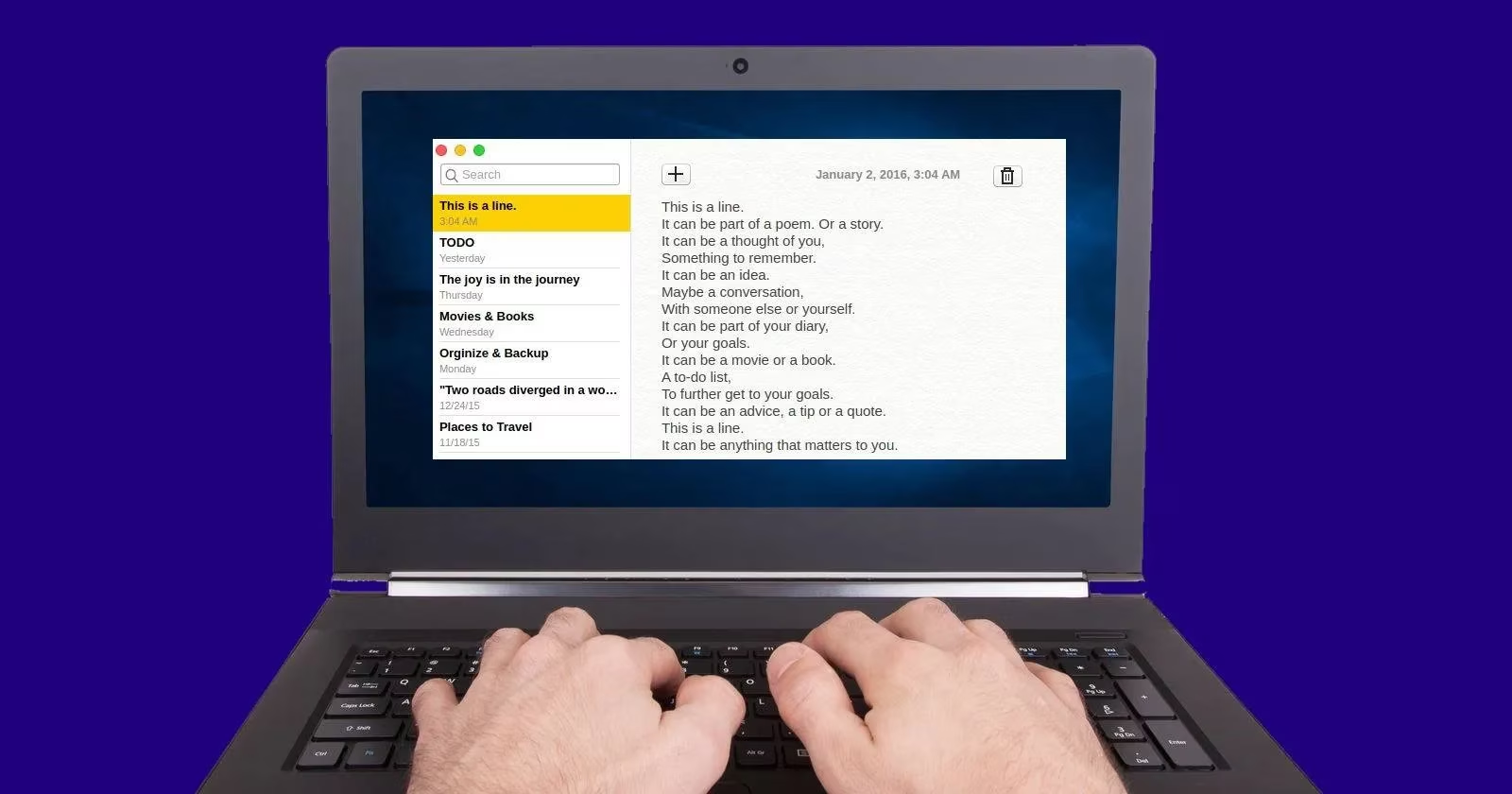
For a long time, Mac users have enjoyed what is possibly the best default note-taking app. Notes is a faithful recreation of its best features and a great Windows alternative for the macOS app. It auto-saves anything typed in it. Start a new note or edit an existing one, and the app saves it without a single Ctrl + S. The left pane holds all the notes; the right pane shows the current one. Search is surprisingly fast. It is free on all platforms and includes nifty keyboard shortcuts for faster typing.
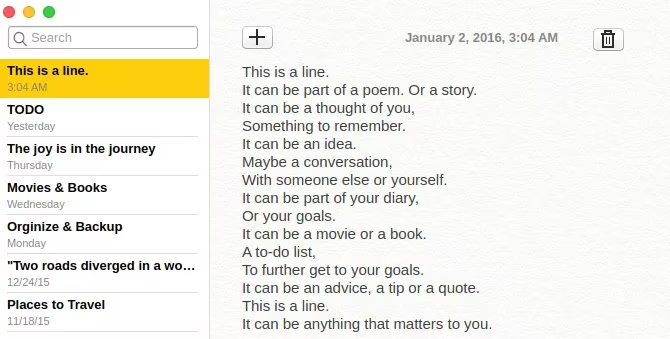
With Continuum, the Notes app syncs across Macs, iPhones, and iPads. That makes it a powerful tool for any Apple user. A new app called Bear is a supercharged version of Notes.
Bear scores in every category where Notes is still found wanting. For starters, it is gorgeous and includes Markdown support for writers. Its simple hierarchical tagging system makes it stand out. Add #todo to a note to automatically file it under the 'todo' category. Add #todo/work, and it goes into the sub-category 'work' under the 'todo' mother category. Convenient? As convenient as it gets. The iOS app offers all these features, but no split-screen view. It auto-saves, though syncing Bear on two devices is a paid service. For a modest annual fee, it is not a bad deal at all.
JOT and Noty: Just Open and Type, No Fuss
Two similar apps, two exclusive platforms. These are apps a person opens and starts writing thoughts in, without thinking about categorizing or anything else.
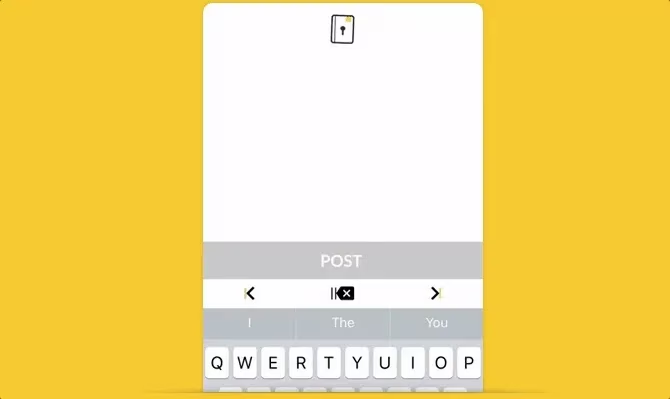
JOT actually stands for Just Open and Type, conveying its core philosophy. The app starts with the keyboard and a blank screen. Write what one wants, close the app. It saves everything chronologically, so later one only needs to look at the date. It is almost like a daily journal on an iPhone. Of course, notes can be reviewed and categorized later. But it is nice that those things do not have to be considered when the app starts.
Noty has a similar line of thought. Fire up the app to get a blank slate. Write what one wants and tap Save to finish. It immediately starts a new note. Notes can be edited or deleted later, but they cannot be categorized. It is sad that Noty does not have auto-save; otherwise, it would be the best note-taking app on Android.
Notable and Quick Notes: Notes in the Notification Shade
Notable and Quick Notes are two more apps that do similar things, but are exclusive to Android and iOS respectively. The idea is simple: a notes app that lives in the notifications shade. That way, no matter what a person is doing on their phone, they can pull down Notifications and jot down notes.
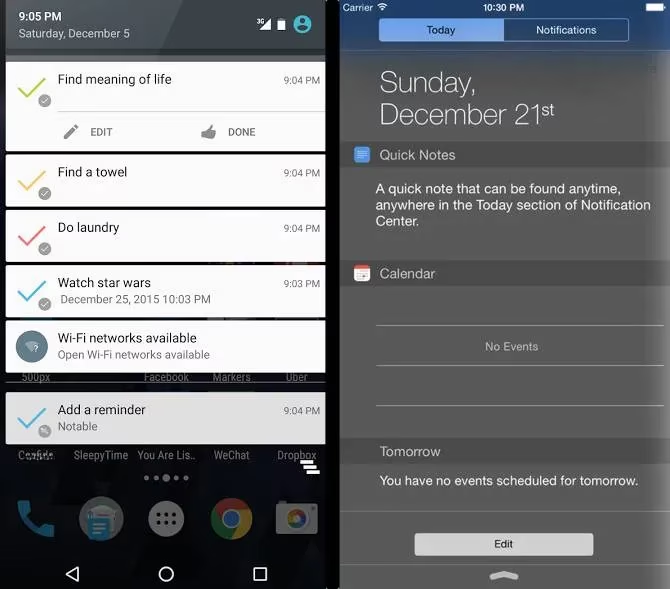
Android's Notable is the older and more powerful of the two. Multiple notes can be created at a time, and it even works for reminders. Quick Notes is simpler and only takes a single sheet of notes at a time. On the plus side, it can back up notes to iCloud, so retrieving what was written is easy. It is a neat way to put iOS widgets to good use.
Papier: The Chrome New Tab That Actually Earns Its Keep
Users are spoiled for choice when it comes to productive New Tab extensions for Chrome. Papier is the latest and might be one of the greatest.
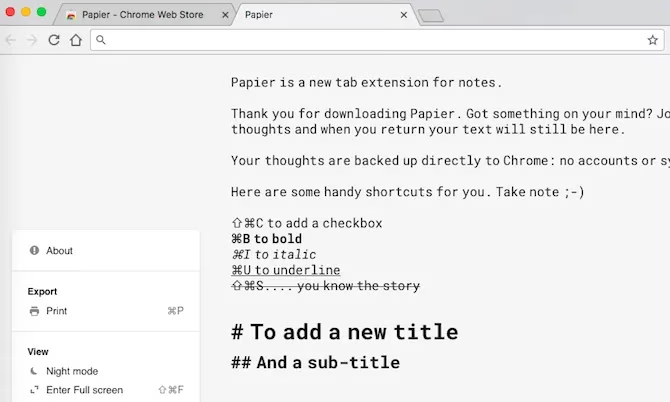
Create a new tab and start typing anything—simple notes or something more complex like copy-pasting an entire article. Papier supports rich text formatting. It even allows checkboxes for to-do lists and has a built-in character counter. It works offline and saves text offline, without uploading it to any cloud. There is also a Night Mode, and all notes can be printed whenever needed.
SimpleNote: Still the Quiet Champion
If images are not required, then SimpleNote remains arguably the best note-taking app out there. It is almost as easy to use as any of the ones above and syncs across devices. But the aforementioned apps have their own special traits that SimpleNote lacks. In 2026, that trade-off remains: SimpleNote is the reliable sedan, while Bear is the sports car and Papier is the clever little scooter.
The Verdict: Auto-Save or Bust
Which note-taking app does a person use? And Windows users should be honest: if there were a way to auto-save whatever was written in Notepad, would that be the best program? The answer is probably yes, with a side of why did it take so long? 🎯
In 2026, the best notepad is not the one with the most AI features or the flashiest templates. It is the one that opens fast, saves automatically, and gets out of the way. Everything else is just gravy. And nobody wants gravy on their grocery list. 🛒