Discover IFTTT, the revolutionary automation service that seamlessly connects apps and devices. This comprehensive guide explores how IFTTT's triggers and actions create powerful workflows, from smart home control to social media automation.
If you haven't heard about IFTTT by now, you're seriously missing out on the automation game. "If This Then That" is the free web-based service that acts as a digital duct tape, connecting your apps and devices to create seamless experiences. Founded by Linden Tibbetts, Jesse Tane, and Alexander Tibbetts, IFTTT was visualized as the key to unlocking the creative potential of our existing digital tools by simplifying connections between them. The best part? You don't need to be a technological whizkid to use it—most of the magic is already baked in. Let's dive into how this automation powerhouse works in 2026 and explore its endless possibilities.
IFTTT is an automation service that connects various services so that when a trigger occurs in one service, it automatically initiates an action in another. Think of it as your personal digital assistant that works behind the scenes. For instance, imagine you're an aspiring photographer who constantly uses Instagram. You could set up an Applet (IFTTT's term for automation recipes) to automatically save every Instagram photo to your Dropbox account—no manual uploading required. The service has evolved significantly since its early days, now integrating with smart homes, Alexa, Google Assistant, fitness trackers, and countless other services that didn't exist when it first launched.
How IFTTT Works: The Basics
At its core, IFTTT operates on a simple principle: triggers and actions. Here's the breakdown:
-
Services: These are the apps, tools, or devices that work with IFTTT (think Facebook, Twitter, Instagram, YouTube, Dropbox, Evernote, etc.)
-
Applets: These are the automation formulas you create by combining services—when something happens (trigger) on one service, it causes an action on another
In 2026, the list of available services has expanded exponentially. From smart home controls to advanced AI assistants, IFTTT now connects over 800 services, making it the most comprehensive automation platform available.
Getting Started with IFTTT
Setting up IFTTT is a piece of cake. Here's the step-by-step process:
-
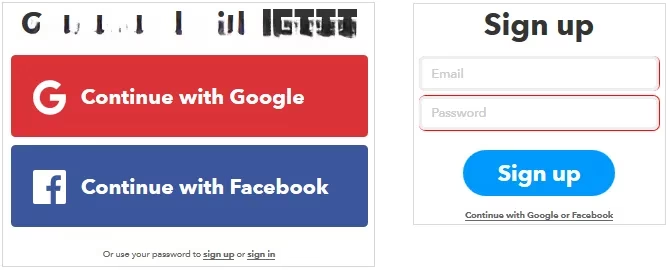
Create an account: Head to IFTTT.com and sign up using Google, Facebook, or your email
-
Explore the dashboard: You'll find thousands of pre-made Applets ready to use
-
Create your first Applet: Click "My Applets" → "New Applet" → "This" to choose your trigger service
Let's walk through creating a sample Applet:
Example: Instagram to Dropbox Automation
-
Trigger: New photo posted to Instagram
-
Action: Save that photo to a specific Dropbox folder
-
Result: All your Instagram photos are automatically backed up without lifting a finger

Top IFTTT Applets for 2026
Here are some killer Applets that have stood the test of time and evolved with new features:
📱 Productivity Powerhouses
| Applet | Result | Why It's Awesome |
|---|---|---|
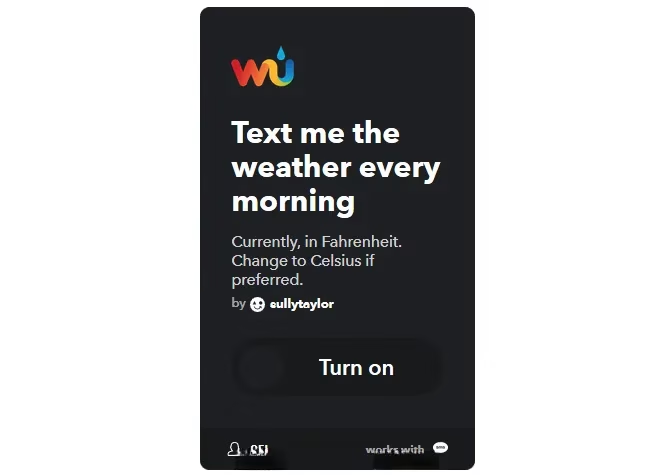
| Morning Weather SMS | Get daily weather conditions via text | Never be caught without an umbrella again |
| Google Calendar Reminders | SMS reminders for calendar events | Woody Allen was right—80% of success is showing up |
| Find My Phone | Call your phone when you email a specific address | No more panic when your phone goes missing |
💰 Money-Saving Machines
-
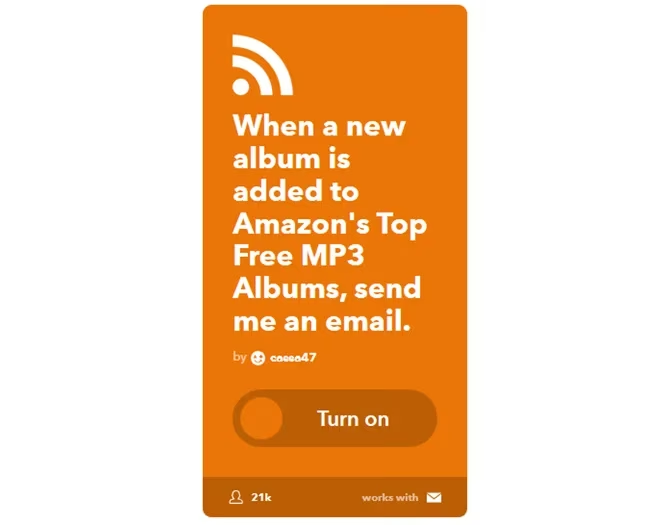
Amazon Free MP3 Notifications: Get emails when Amazon adds free albums
-
Craigslist Alerts: Email notifications for specific search terms (perfect for bargain hunters!)
-
Stock Market Updates: SMS alerts for your investments
These Applets help you become a smarter shopper and investor without the manual work. The Craigslist Applet alone can give you a serious edge in finding deals before anyone else.
📸 Photography Automation
For all you shutterbugs out there, these Applets are game-changers:
-
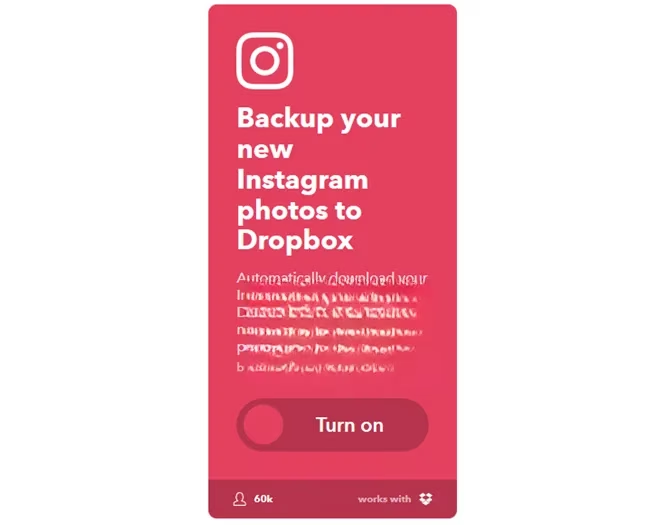
Instagram to Dropbox: Auto-backup of all Instagram photos
-
iOS Photos to Dropbox: Automatic backup of iPhone photos
-
Instagram to Facebook: Cross-post photos to both platforms
-
Instagram to Tumblr: Expand your audience automatically
-
Tumblr Photos as Screensaver: Use your best shots as inspiration
🎵 Music Discovery
Music lovers, rejoice! These Applets make finding new tunes effortless:
-
SoundCloud Likes to Dropbox: Save tracks you love (when MP3 download is available)
-
SoundCloud to Evernote: Track your favorite songs in one place
-
SoundCloud to Facebook/Twitter: Share your discoveries instantly
👨💼 Professional & Office Automation
In 2026, remote work is still going strong, and these Applets keep you productive:
🔥 Hot Applets for Professionals:
-
Email attachments automatically saved to Dropbox
-
Gmail labels that sync to Evernote
-
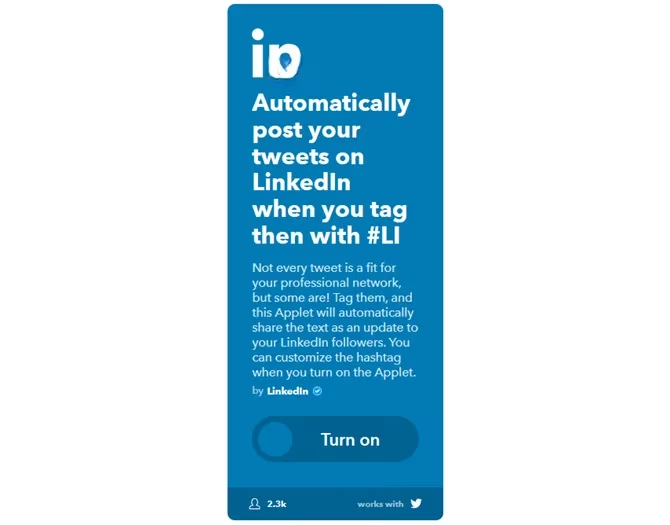
Twitter to LinkedIn cross-posting (using #LI hashtag)
-
Gmail auto-responders with advanced features
-
Monthly Trello card automation for recurring tasks
👨👩👧👦 Parenting Helpers
Busy parents need all the help they can get, and IFTTT delivers:
-
Free Children's Kindle Books: Evernote notifications for new free kids' books
-
Birthday Reminders: Text alerts before your kids' birthdays
-
Parenting Resources: Automated emails from sites like The Blooming Child
-
Facebook Memories: Save your child's funny quotes to Dropbox
-
eBay Alerts: Twitter DMs for new items (perfect for gift hunting)
📰 Staying Informed
With information overload being real in 2026, these Applets help you stay on top of what matters:
-
YouTube to Pocket: Save subscribed channel videos for later
-
Pocket to Evernote: Archive important articles
-
Instapaper to Kindle: Read saved articles on your e-reader
-
Government Alerts: SMS for travel alerts and important updates
Mobile Magic: IFTTT on the Go
The IFTTT mobile apps for Android and iOS have become essential tools. Some standout mobile-specific Applets include:
-
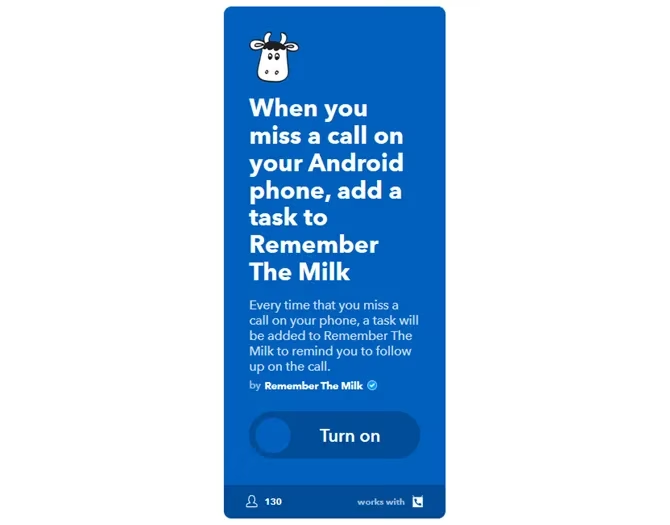
Missed Calls to Remember The Milk: Automatically add tasks for missed calls
-
Location-Based Wi-Fi Control: Get notifications to turn off Wi-Fi when leaving specific places
Managing Your IFTTT Account
Turning Off or Deleting Applets
Sometimes you need to clean house. Here's how:
-
Go to "My Applets"
-
Click on an Applet and toggle the slider to Off
-
To delete completely, click the gear icon → scroll down → Delete
Deactivating Your Account
If you decide IFTTT isn't for you (though we can't imagine why!):
-
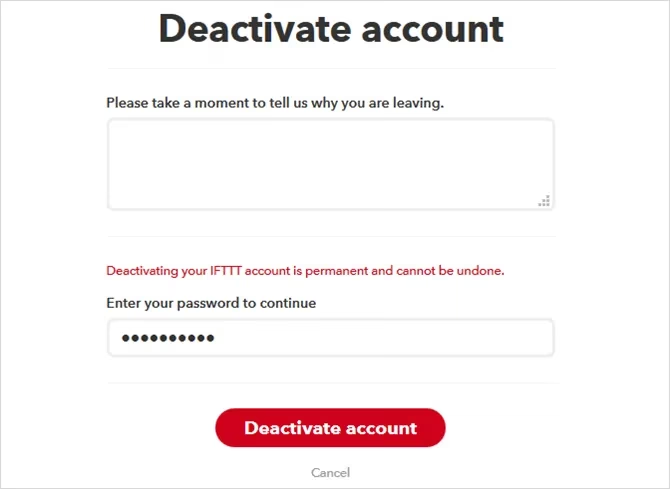
Click your username → Settings
-
Scroll to bottom → Deactivate your account
-
Enter password and confirm
Warning: This is permanent and cannot be reversed!
The Future of IFTTT
As we look ahead, IFTTT continues to evolve with:
-
AI Integration: Smarter Applets that learn from your behavior
-
IoT Expansion: More smart home and device integrations
-
Enterprise Solutions: Business-focused automation tools
-
Privacy Enhancements: Better data control and security features
Final Thoughts
IFTTT in 2026 is more powerful than ever. What started as simple "if this then that" automation has grown into a comprehensive ecosystem that can:
-
🤖 Automate repetitive tasks
-
💰 Save you money
-
🎯 Help you land jobs
-
📈 Make you more efficient
-
🎨 Boost your creativity
-
👪 Make parenting easier
The possibilities are literally endless. With the right Applets, you can transform how you interact with technology and reclaim precious time. The best part? It's still completely free for personal use.
So what are you waiting for? Dive in, create some Applets, and start feeling like a productivity superhero. And hey, if you discover an amazing Applet, share it with the community—we're all in this automation journey together! 🚀
Pro tip: Start with 2-3 Applets that solve immediate pain points, then gradually expand as you get comfortable with the platform.