Discover Perplexity's revolutionary Comet browser, which transforms productivity through intelligent automation. This groundbreaking tool handles tedious tasks with custom shortcuts and automated workflows, revolutionizing how professionals interact with the web.
Imagine a browser that doesn't just display web pages but actively works alongside you, handling the tedious tasks that eat up your productive hours. That's exactly what Perplexity's Comet browser brings to the table in 2025. While traditional AI tools like ChatGPT and Claude remain confined to their pre-trained datasets, Comet breaks free by navigating the actual internet just like a human user would. 🚀
The Power of Custom Shortcuts ⚡
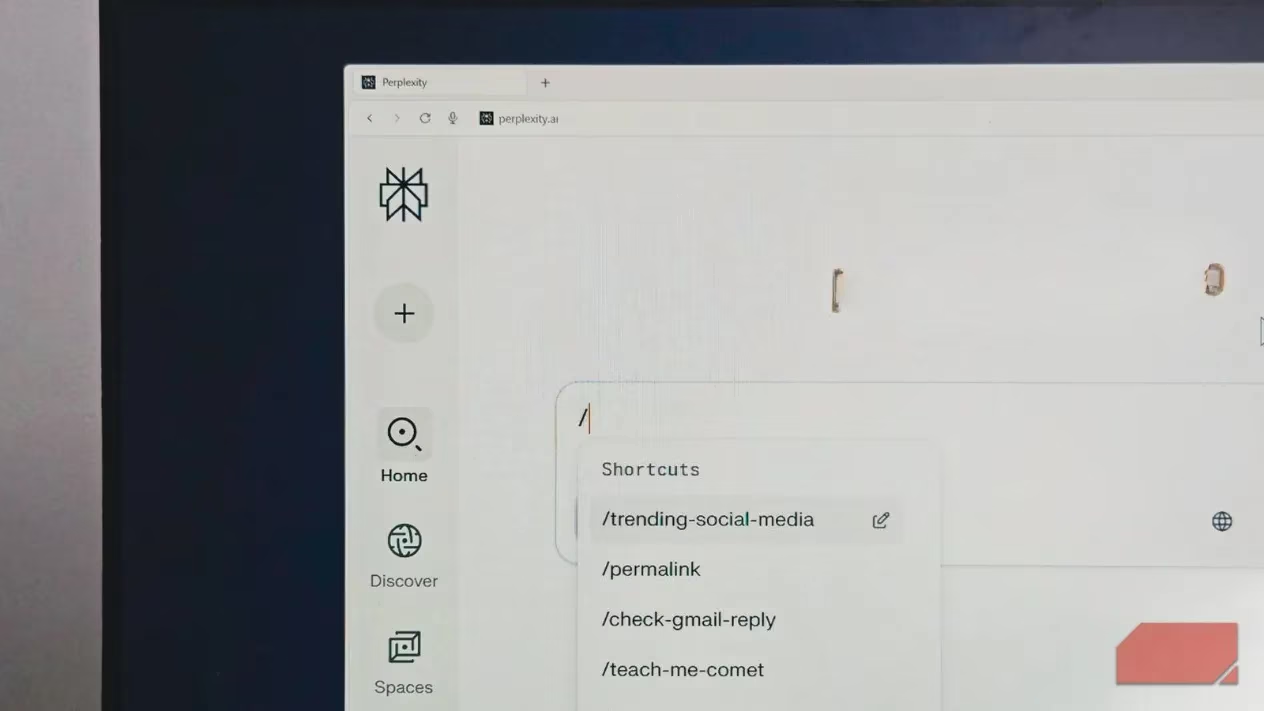
One of Comet's standout features is its shortcut system, which eliminates the need to repeatedly type the same instructions. Instead of manually crafting prompts every time, users can assign custom words that function as text expanders.
How it works:
-
Type
/to activate the shortcut menu -
Select your pre-configured shortcut
-
Comet automatically fills in the complete prompt
Real-world example: For someone tracking social media trends, creating a /trending-on-social shortcut can automate the process of scanning multiple platforms, reviewing 24-hour posts, and generating trend summaries—all with a simple command.
Automated Workflow Management 📊
Comet truly shines when it comes to managing repetitive cross-platform tasks. Many professionals maintain tracking spreadsheets that require constant manual updates across different applications.
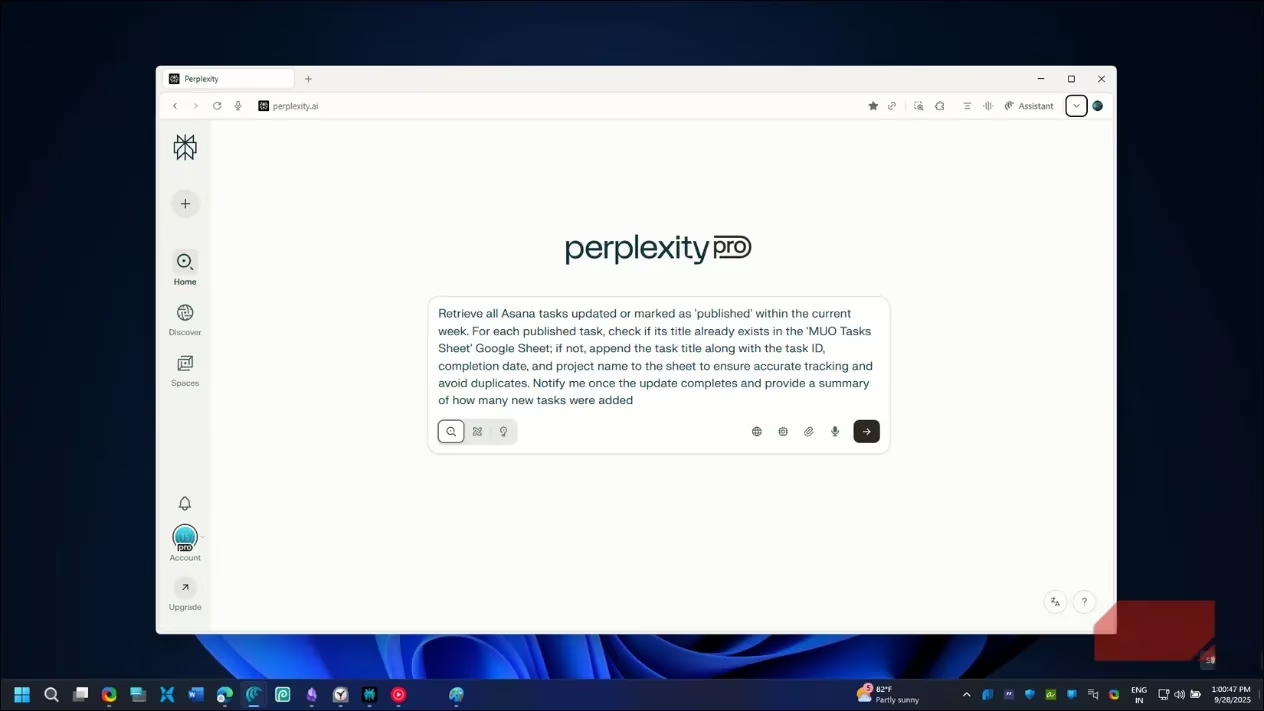
Case Study: Article Tracking Automation
-
Problem: Manually updating Google Sheets with published articles from Asana
-
Solution: Create a
/update-sheetshortcut that: -
Navigates to Asana
-
Filters for "published" tasks
-
Checks Google Sheets for duplicates
-
Adds new entries automatically
This automation might seem simple, but it eliminates the context-switching penalty that disrupts creative workflows. While manual copying might be faster for a single task, the cumulative time savings across dozens of updates become significant.
Intelligent Tab Management ️
For heavy browser users, tab chaos is a real productivity killer. By lunchtime, most professionals have accumulated research tabs, documentation, emails, and "I'll-watch-later" videos.
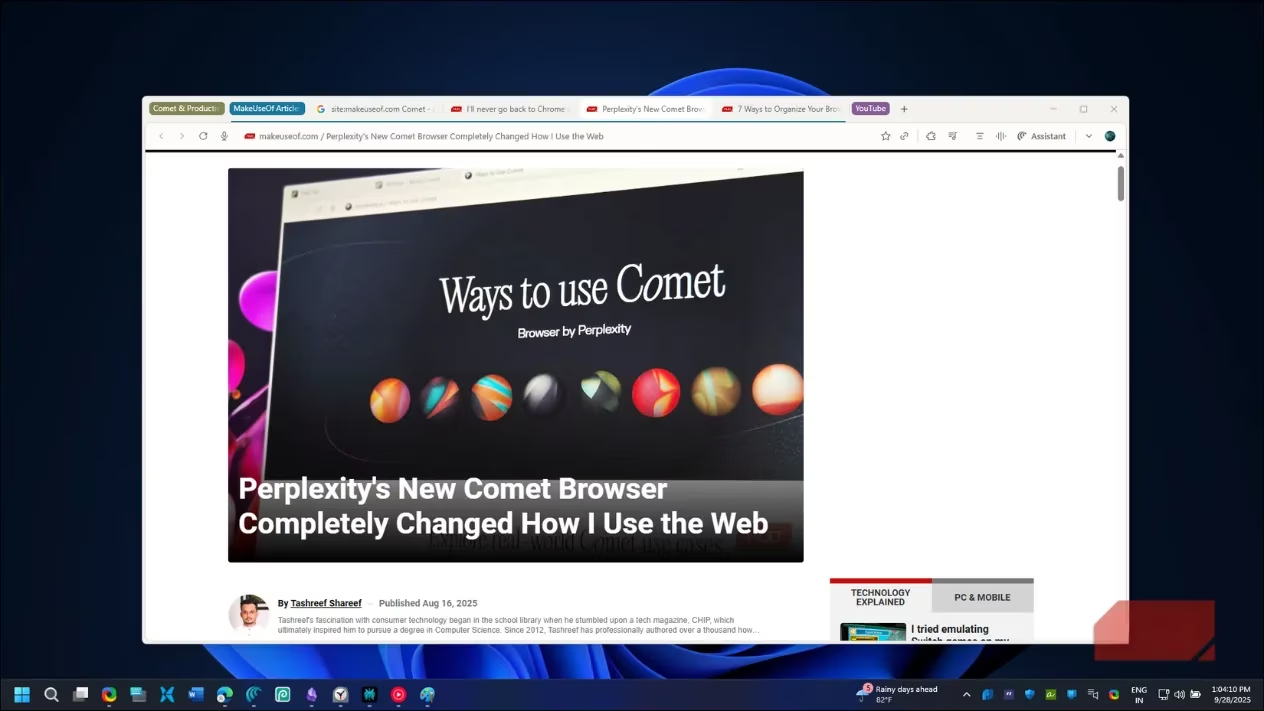
Comet's tab management features include:
-
Automatic grouping by topic or project
-
Duplicate tab detection and closure
-
@tab referencing system for cross-tab queries
The @tabname feature is particularly clever—instead of clicking through tabs to find information, you can reference any open tab directly. Need to compare product features across multiple sites? Just type @ProductPage and ask specific questions without leaving your current tab.
Content Review Assistant 👁️
Even experienced writers miss details after hours of editing. Comet's review automation acts as a second pair of eyes that never gets tired.
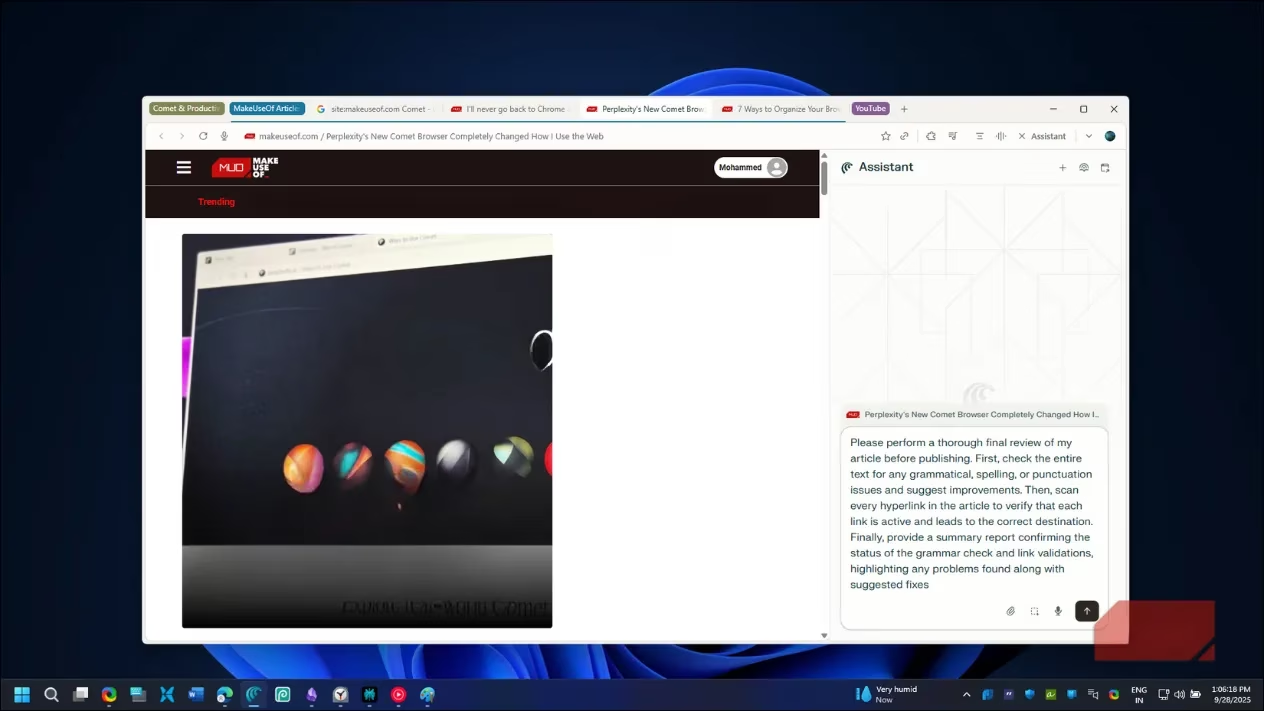
A /review-preview shortcut can:
-
Check for grammatical errors
-
Verify all links are functional
-
Compare against style guides
-
Identify formatting inconsistencies
-
Catch missing image captions or inconsistent headings
This has proven invaluable for catching embarrassing mistakes, especially when working against tight deadlines without time for thorough manual reviews.
Scheduled Automation Tasks ⏰
Comet's scheduled tasks feature takes automation to the next level by handling recurring actions automatically.
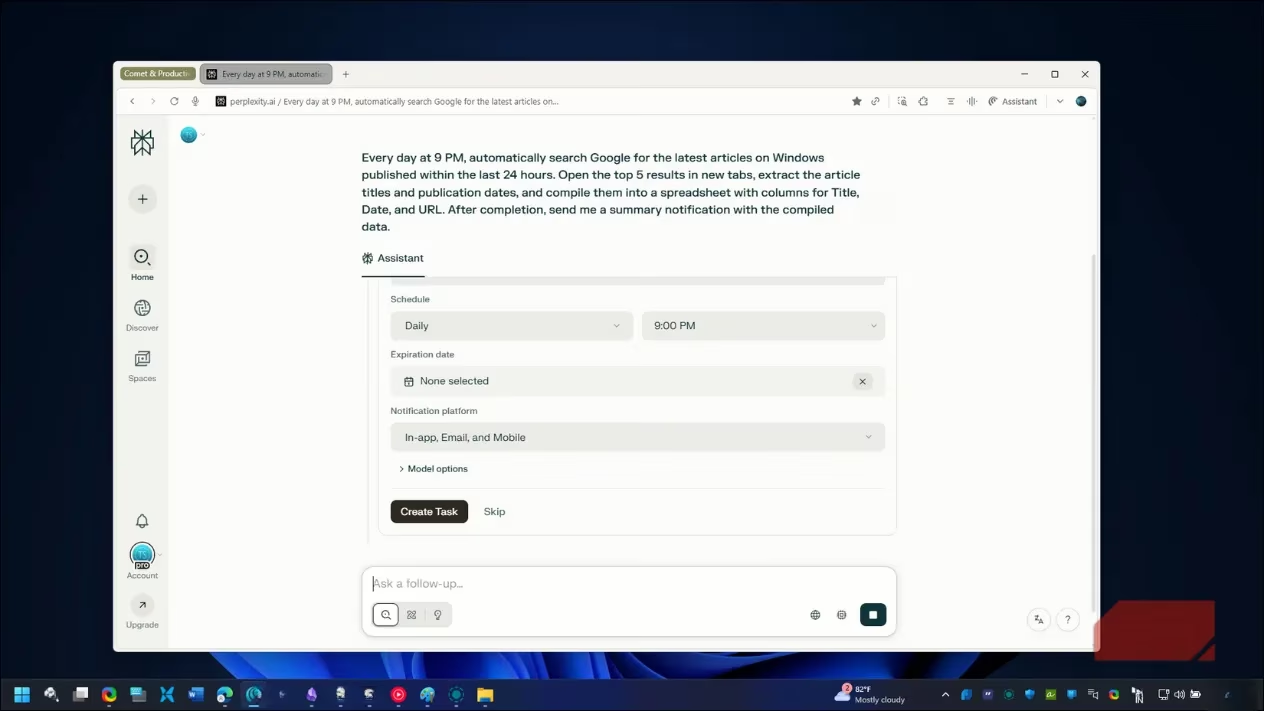
Popular scheduled automations:
| Task Type | Frequency | Functionality |
|---|---|---|
| Daily Digest | Every morning | Shows Asana tasks and recent comments |
| Shopping Management | Twice weekly | Adjusts Amazon Subscribe & Save quantities |
| Meal Planning | Weekly | Creates meal plans and adds ingredients to cart |
| Tech News | Daily at 7 PM | Scans tech sites, summarizes key articles |
The tech news digest is particularly effective—it scans specific websites for recent articles, summarizes the important ones, and presents a concise list. This prevents the endless browsing rabbit hole while ensuring you stay informed about relevant developments.
Why Comet Stands Out in 2025 🌟
What makes Comet more than just another AI party trick is its practical integration into daily workflows. Unlike flashy but impractical AI features, Comet's automations provide tangible time savings that range from minutes to hours depending on your workflow complexity.
Key advantages:
-
Works in background without constant supervision
-
Handles cross-platform tasks seamlessly
-
Learns and adapts to individual workflows
-
Reduces mental load from context switching
-
Prevents errors through automated quality checks
While the browser might occasionally run slower than manual execution, the trade-off is worthwhile for the mental energy preserved and errors prevented. For professionals who spend their entire day in a browser, Comet represents a significant step toward more intelligent, automated digital work environments.
The true value isn't just in time saved but in maintaining focus on high-value creative work while automation handles the repetitive background tasks. As AI continues to evolve, tools like Comet demonstrate how artificial intelligence can become a genuine productivity partner rather than just a novelty.